

Driving Simulation Games
Looking for driving simulator game source code? Source Plunge brings you ready-made Unity driving games with real physics, easy customization, and AdMob support for Android, iOS, WebGL, and HTML5. Buy affordable, pre-built Unity driving game projects and launch your own app fast.
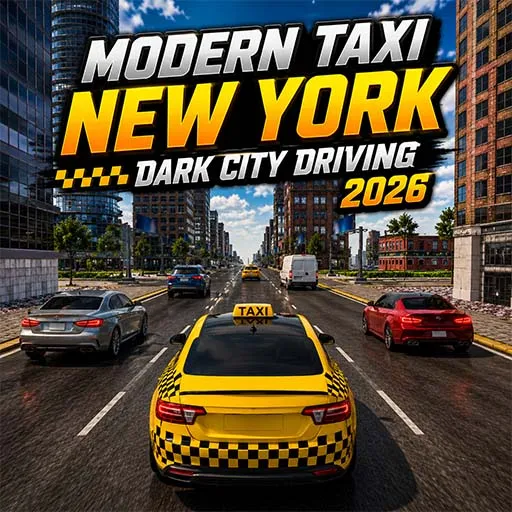
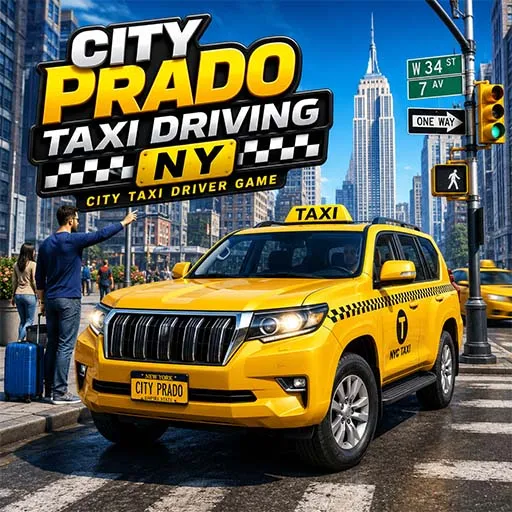


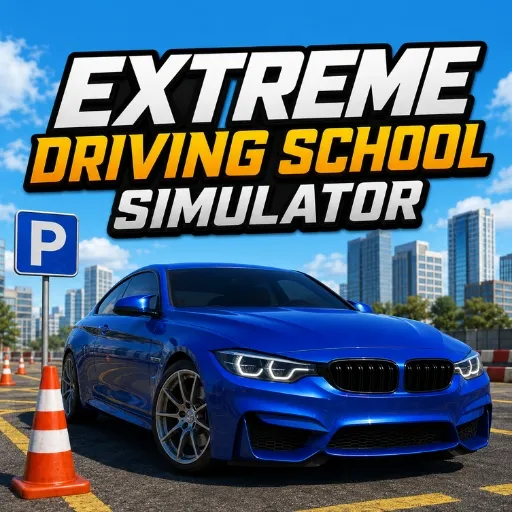

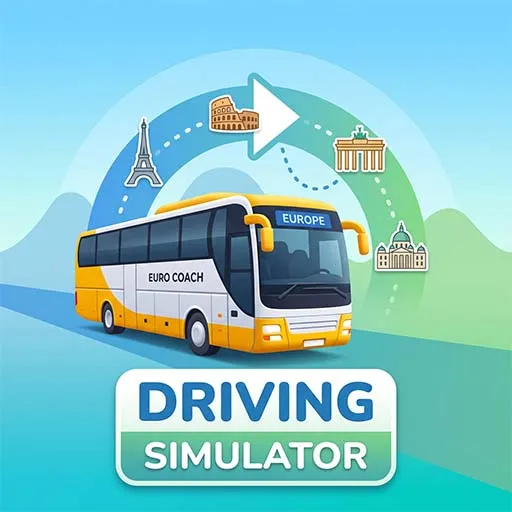





About Driving Simulation Games
Do you want to make your own driving game but don't want to code it from scratch? You are in the right place. Here at Source Plunge, we sell ready-made driving simulator game source code that you can buy, customize, reskin, and publish on the Google Play Store or App Store.
Our driving simulator game source code is built in Unity, runs smoothly on Android, iOS, WebGL, and HTML5, and includes real vehicle controllers, traffic systems, and smooth driving mechanics. Whether you want a car simulator, a bus simulator, a truck driving game, or an offroad games, we have a ready-made project for you.
You don't need to be an expert coder. Just buy the source code, open it in Unity, change what you want, and your game is ready to launch.
What is Driving Simulator Games Source Code?
Driving simulator games source code is the complete, ready-made code and files of a driving game. It includes the car or vehicle models, the driving mechanics, the roads, the traffic system, and the game logic that makes the whole game run.
Instead of building a driving game from scratch, you buy this pre-built Unity game and simply customize it. You can change the car skins, the city map, the sounds, the ads, and even the app name. This saves you months of work and thousands of dollars in development costs.
Features of Our Driving Simulator Games Unity Templates
- Realistic driving physics for smooth car, bus, and truck control.
- Ready-made vehicle controller with steering, brake, and gear system.
- Traffic system with AI cars and highway roads.
- City, off-road, and highway maps included.
- Easy to customize UI, cars, and levels.
- Built in the Unity engine, with fully editable project files.
- Works on Android, iOS, WebGL, and HTML5.
- Monetization-ready with AdMob integration.
- Well-organized scripts for beginners and pros.
- One-time purchase, lifetime use of the code.
- Reskin-friendly project structure.
- Racing Games or simulation gameplay options.
- Car or other vehicle systems.
- Camera and vehicle-follow systems.
5 Popular Driving Games Templates on Source Plunge
- Highway Car Driving Simulation Game: A fast-paced highway driving game with real traffic and smooth car controls. Great starting point for a Unity car simulator app.
- Euro Coach Bus Driving Simulator: A detailed bus driving project with long routes and realistic bus handling, perfect for the bus simulator niche.
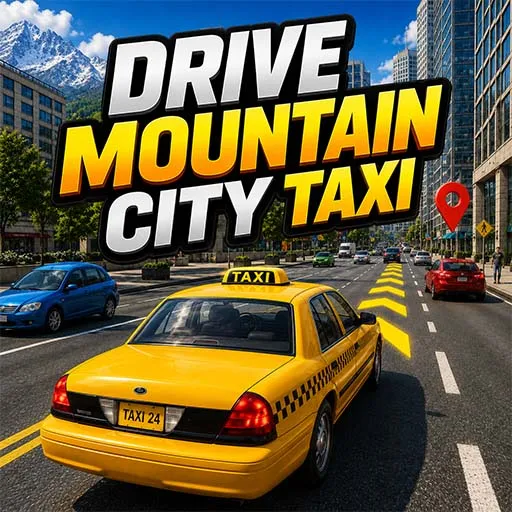
- Drive Mountain City Taxi: A mix of city and mountain driving with taxi missions, ideal for buyers who want off-road plus city driving in one project.
- Emergency Rescue Ambulance Driving: An ambulance simulator with fast city driving and emergency missions, great for a unique driving game Unity project.
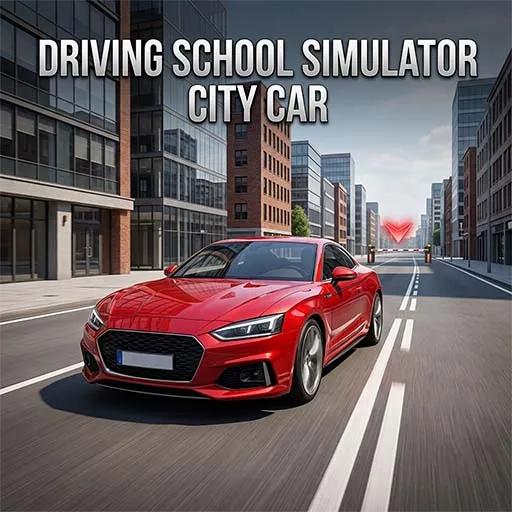
- Driving School Simulator City Car: A beginner-friendly driving school game where players learn parking and city driving rules, good for casual audiences.
Platforms You Can Publish On After Buying These Games
Most of Source Plunge's simulator games source code is built to support more than one platform, so you are not locked into just one option.
- Android: Publish your driving game directly on the Google Play Store.
- iOS: Build and submit your driving simulator app to the Apple App Store.
- HTML5: A lighter version of the game, useful if you want to list it on instant-play game portals or websites.
Not every driving simulator template supports all four platforms the same way, so it's best to open the product page and confirm platform support before you buy.
What to Check Before You Buy On Source Plunge?
A driving simulator game can look amazing in the preview video and still not be right for your project. Take a few minutes to go through these points before buying any Unity driving simulator source code:
- Unity version: Make sure the project opens fine in the Unity version you already use.
- Platform support: Confirm if it's ready for Android, iOS, WebGL, or all of them.
- Source files: Check exactly which files, models, and scripts come included in the package.
- Controls: See if the driving controls are touch-based, keyboard, or both, and match that to your target platform.
- Customization level: Look at how easy it is to swap vehicles, change the map, or edit the UI.
- Monetization setup: Don't assume AdMob or ad networks are added; check the product details directly.
- Live preview: Always try the demo before buying so you actually feel the driving mechanics yourself.
- Documentation: Confirm if setup steps or customization notes are given with the project.
- License terms: Read the license fully so it matches how you plan to use or sell the game.
Checking these small details before you buy a driving simulator template can save you a lot of time after the purchase.
Licensing and Usage Rights
Before you pay for any driving game source code, it's smart to know exactly what you're allowed to do with it. Every product on Source Plunge comes with its own license, and you should always read it first. Here's what to look for:
- Can you publish the driving simulator commercially on the Play Store or the App Store?
- Does the license allow one app release, or can you use it for multiple releases?
- Are you allowed to resell or share the raw source code with others?
- Does the license require you to credit the original developer somewhere in the app?
This is especially important in the driving simulator space, because the same car controller or bus physics is often reused to build several themed games, like a city taxi simulator, a truck driving game, or an off-road racing version. Knowing your license terms early saves you from legal trouble later.
Who Should Buy These Driving Simulator Templates?
Driving simulator source code isn't just for one type of buyer. Different people use it for different goals:
- New developers who want to see how a real Unity driving game is built and learn from it.
- Small studios that want to launch a car, bus, or truck simulator app without building everything from the ground up.
- Freelancers who reskin driving games with new cars, maps, and themes to deliver client projects faster.
- Students who need a working driving game project for college assignments or a portfolio piece.
- Publishers who want several driving simulator games ready quickly to grow their app store lineup.
Whether you're just starting out or already running a small game business, buying ready-made source code cuts down the development time by a lot.
Monetization: How Developers Make Money From These Games
Driving simulator games keep players engaged for long play sessions, and that opens up more than one way to earn from them:
- In-app ads: Shown between levels, after finishing a route, or as a reward video for extra fuel or time.
- In-app purchases: New vehicles, paint skins, or unlocks like faster trucks and better buses sold inside the game.
- Reskin and resell: One driving controller, like a car or bus base, turned into multiple apps by simply changing the vehicle, city, or theme.
- New map or level packs: Extra cities, highways, or off-road tracks sold as add-on content after the first launch.
- Client work: The same driving simulator base reused to build a custom-themed game for a paying client, such as a delivery or taxi app.
Since the core driving mechanics and vehicle controller are already built into the source code, most of your effort goes into designing new maps, adding vehicle variety, and creating small rewards that bring players back for one more ride.
How to Buy and Use Driving Simulator Games Source Code?
- Browse the driving simulator category and pick a game
- Check the demo, features list, and price
- Click Buy Now and complete secure payment
- Get instant access to download the source code
- Open the project in Unity
- Customize cars, maps, UI, and ads as you like
- Add your AdMob or AdMob account for monetization
- Build and publish your app on the Play Store or the App Store
FAQ's
Yes. All scripts are organized and commented, so even beginners can change cars, maps, and UI without much trouble.
Basic Unity knowledge helps, but the project is simple enough for beginners to edit and reskin.
A source code project can be used as a development foundation according to its license. You can customize the project and add your own ideas, assets, and systems where permitted.
Yes, once you buy from Source Plunge, the source code is yours to use, modify, and publish under your own app name.
Yes, it's a one-time purchase with lifetime access to the files you download.