

Simulation Games
Buy simulation game source code built in Unity 3D. This category has driving, parking, truck, off-road, and heavy equipment simulation game projects with clean C# scripts, working gameplay systems, and ready project files. Perfect for developers who want to reskin, customize, and publish a simulation game fast without coding it from scratch.
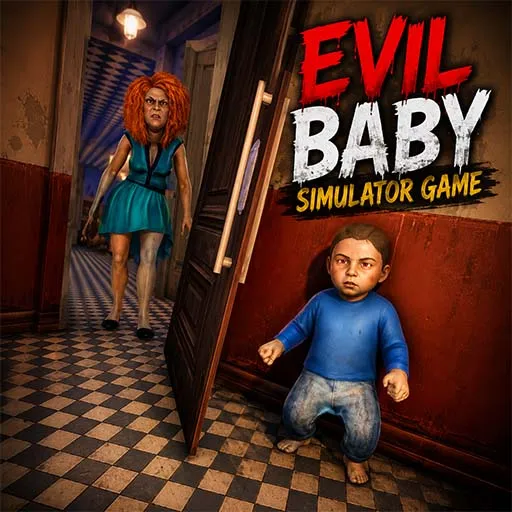
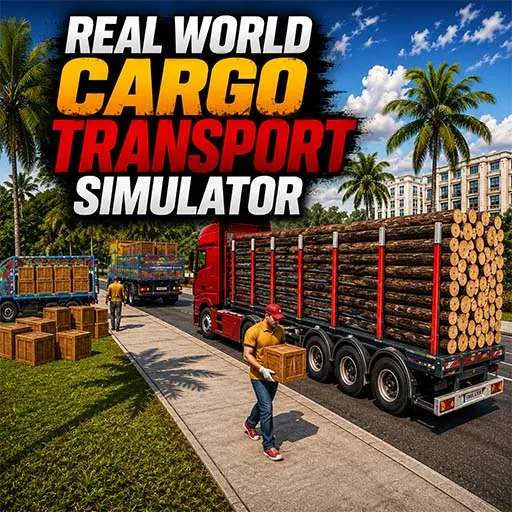
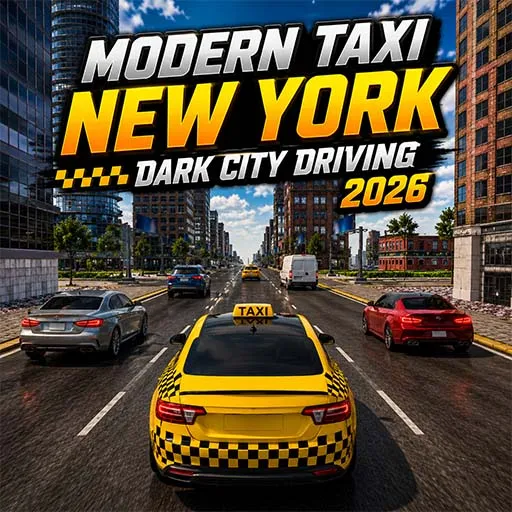

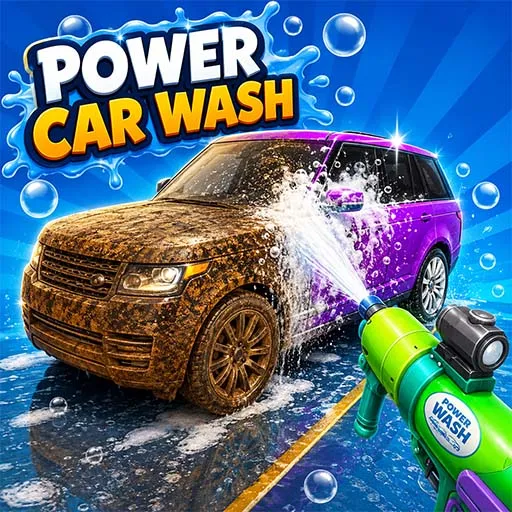





Related Categories



About Simulation Games
Simulation games let you practice real-world tasks in a virtual setting. From running a business to managing a city or flying an aircraft, simulation games recreate real-life systems through interactive gameplay mechanics.
For developers, building these systems from scratch can be time-consuming. Many developers choose simulation game source code to build games faster. With a ready-made project, developers can focus on customization, design improvements, and publishing instead of building core systems from the beginning.
At Source Plunge, you can explore a marketplace of high-quality simulator game source code, complete projects, and development kits designed for game developers, studios, and learners.
What is Simulation Games Source Code?
Simulation game source code is a complete Unity project that copies real-life activities like driving, parking, or transporting goods. Instead of shooting or jumping, players slowly drive, park, or manage a vehicle to finish a mission.
When you buy a Unity 3D simulation game template, you get the vehicle movement, the map, the mission system, and sometimes an upgrade or customization system too. You don't write this code yourself. You just open the project files, change the vehicles, maps, or UI, and the game becomes yours.
This is called reskinning, and it is one of the easiest ways to publish a new game. Most simulation projects on Source Plunge are built for mobile, so they are light and run well on normal Android phones. The C# scripts are clean and easy to follow, so even a new Unity developer can understand how the game works.
Features You Get With Every Simulation Game Source Code
- Complete Unity project with organized, well-structured project files.
- Clean C# scripts that are easy to read, edit, and extend.
- Working gameplay systems like missions, transportation, and upgrades.
- Vehicle or equipment control system already set up and tested.
- Player interaction system for missions, pickups, and drop-offs.
- Ready for reskinning; change vehicles, maps, and UI easily.
- Basic customization assets included for a quick visual refresh.
- Built for mobile performance on Android, with some projects supporting iOS.
- Ready-made project structure that saves weeks of development time.
- Full source code included, with no locked or missing files.
Popular Types of Simulation Games Source Code We Offer
Driving Simulation Games
Driving simulation games are all about handling a vehicle carefully on real-looking roads. Our City Rickshaw Drive source code gives you a fun local transport game with pickup and drop missions already set up. The Car Driving Academy template teaches players driving rules with a school-style mission system, great for a learning-based simulation game.
If you want more pressure, Driving In Heavy Traffic places players on busy roads full of cars, while Extreme Driving School Simulator mixes driving lessons with tricky roads and tight turns. All four projects use a clean vehicle control system that is easy to reskin with new cars or maps.
Parking Simulation Games
Parking games are simple to play but need a good control and camera system, which is already built into our templates. The Car Parking Adventure source code comes with multiple parking levels and a smooth car control system. For two-wheeler fans, Motor Bike Driving School Parking offers bike-based parking missions with a beginner-friendly layout.
If you prefer bigger vehicles, City Coach Bus Parking Game gives you a bus parking setup with tight spaces and turning challenges. These parking simulation projects are great starter games because they are light, easy to customize, and quick to publish.
Truck Simulation Games
Truck games attract players who enjoy long routes, cargo missions, and heavy vehicle control. The Indian Real Cargo Truck source code offers a local-style cargo transport game with loading and delivery missions. For players who like action mixed with trucks, US Army Truck Demolition adds a rough, demolition-style truck experience.
The Bike Transport Cargo Truck template mixes bike and truck gameplay, where players carry bikes as cargo across different stages. Each truck simulation project comes with a working transport and mission system, so you can add your own trucks and cargo types without rebuilding the core game.
4x4 Off-road Games
Off-road games are for players who love rough terrain, hills, and tough driving conditions. The Offroad Fortuner Car Driving source code gives you a strong 4x4 vehicle setup with hill and rough-terrain levels already built in.
The Offroad Jeep Driving Game template offers a jeep-based off-road experience with similar terrain challenges and vehicle physics. Both off-road simulation projects use a solid vehicle physics system, so the driving feels heavy and realistic, which off-road game fans usually look for.
Heavy Equipment Games
Heavy equipment simulation games let players operate construction machines instead of normal vehicles. The Home Construction Game source code gives you a full building and construction mission setup. If you want something more focused, Bricks Kiln Construction offers a brick-making and transport style gameplay loop.
For fans of big machines, Excavator Drive City Construction lets players dig, lift, and move materials with an excavator inside a city construction site. These projects are a good pick if you want to try a construction-based simulation game that is different from normal driving games.
Licensing and Usage Rights
Before buying any simulation game source code, it is important to understand what you are allowed to do with it. License terms can be different for each product, so always read the details on the specific game listing before you pay.
In general, when you buy a simulation game source code, you get the right to:
- Edit, reskin, and customize the project as much as you need.
- Publish the finished game under your own name or brand.
- Use the game for commercial purposes, including ad-based monetization.
Usually, buyers are not allowed to:
- Resell or redistribute the original, unedited source code as their own product.
- Upload the same source files publicly for others to download for free.
Since licensing rules can vary between sellers and products, always check the exact usage terms mentioned on each listing to keep your project safe and clear.
Platforms You Can Publish These Games On After Buying
These simulation game projects are built in Unity, so you are not locked into one platform. Unity supports multiple build targets, giving you flexibility on where to launch.
- Google Play (Android): Templates are built with mobile performance in mind, ready for Android after basic testing and optimization.
- App Store (iOS): Unity supports iOS builds, though you'll need a Mac and an Apple developer account to finish and submit the build.
- WebGL (Browser): Unity supports WebGL exports, so select projects can run directly in a browser on your own site.
Always test your build on the target platform before publishing, since controls (touch vs. keyboard/mouse) and performance may need small fixes. Each store also has its own rules for app size, content, and monetization, so check those before submission.
What Do You Get with a Simulation Game Project Download?
When developers buy a simulation game template, they usually get a complete development package.
Common files included:
- Full simulation game project source code
- Game scripts and gameplay systems
- Game assets and environments
- UI and menu systems
- Monetization integration
- Documentation and setup instructions
- A playable simulation game demo project
This complete package helps developers quickly set up and customize their own simulator games.
How to Buy Simulation Games Source Code On Source Plunge?
Buying a simulation game project from Source Plunge is quick and simple. Just follow these steps:
- Browse the simulation games category and pick a Game You Like.
- Open the game listing and check the description, features, and screenshots carefully.
- Click the buy button and complete your payment securely.
- Download the full Unity project and source code files instantly.
- Open the project in Unity and follow the included setup guide.
- Start customizing change vehicles, maps, missions, and UI to match your idea.
- Test the game on Android before moving forward.
- Publish your finished simulation game on Google Play or your preferred store.
FAQ's
Simulation game templates are commonly available for Unity, Android Studio, HTML5, and Unreal Engine.
Yes. Most simulation game projects allow publishing after customization.
Yes. Simulation game projects serve as learning tools for new developers.
Most projects include full game assets, scripts, UI systems, and documentation required to run the game.
Yes, Source Plunge offers buyer support to help with basic setup and file-related questions after your purchase.